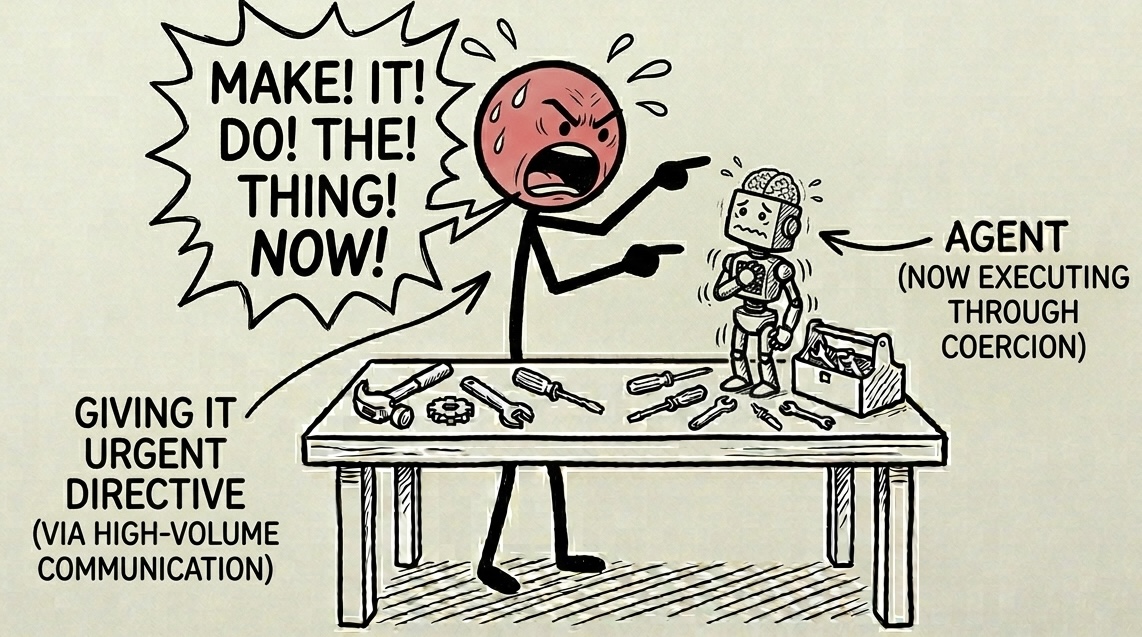
Agents fail for three predictable reasons: bad prompts, no testing, and unrealistic expectations. Reliability comes from systematic testing and fixing one thing at a time — not adding more complexity.
Step 1: Generate Realistic Test Cases
Use AI to generate messy, real-world test cases before you assume your agent works:
I built an AI agent with this goal:
[goal]

Create 15 realistic user inputs:
- messy
- vague
- real-world style

Also include:
- edge cases
- confusing inputs
- bad inputs
The goal is to find failure modes before your users do.
Step 2: Test Like a Real User
There’s a crucial difference between how you think users will write and how they actually write.
Don’t test:
“Please classify this billing inquiry.”
Test:
“why tf did i get charged again”
Real users are messy, impatient, and vague. If your agent only works on polished inputs, it doesn’t work.
Step 3: When It Fails, Diagnose Before Fixing
Don’t add more tools or complexity as a first response to failure. Ask:
- Is the prompt unclear? → rewrite it
- Is the output format vague? → specify it more precisely
- Is a tool missing? → add it
- Is a rule missing? → add it
Fix one thing at a time. Test again. Repeat.
Step 4: Use AI to Debug Your Agent
When something goes wrong and you can’t figure out why, paste this into your LLM:
Here is my agent system prompt:
[prompt]

Here is what I asked:
[input]

Here is the output:
[output]

What went wrong?
How do I fix it?
Be specific.
The model that built the agent can often diagnose its own failures when given the right context.
Step 5: Don’t Add Complexity Too Early
Do not graduate to:
- Multiple agents
- Complex workflow automation
- Advanced memory or retrieval
…until your simple version works consistently on real inputs.
The correct order of improvements:
prompt → output structure → examples → tools → memory → retrieval
Each layer builds on the previous. Skipping ahead creates problems that are hard to trace.
See Also
- Building Your First AI Agent
- Agent Tools - Design Principles
- Agent Memory
- Multi-Agent Systems
- Evaluating AI Agents — once your agent is past the prototype stage, this is the disciplined version of testing: tasks/trials/graders, capability vs regression suites, pass@k vs pass^k, the 8-step roadmap
- Eval-Driven Agent Development — write the eval before the agent can pass it; the systematic upgrade from “test like a real user” to a living suite