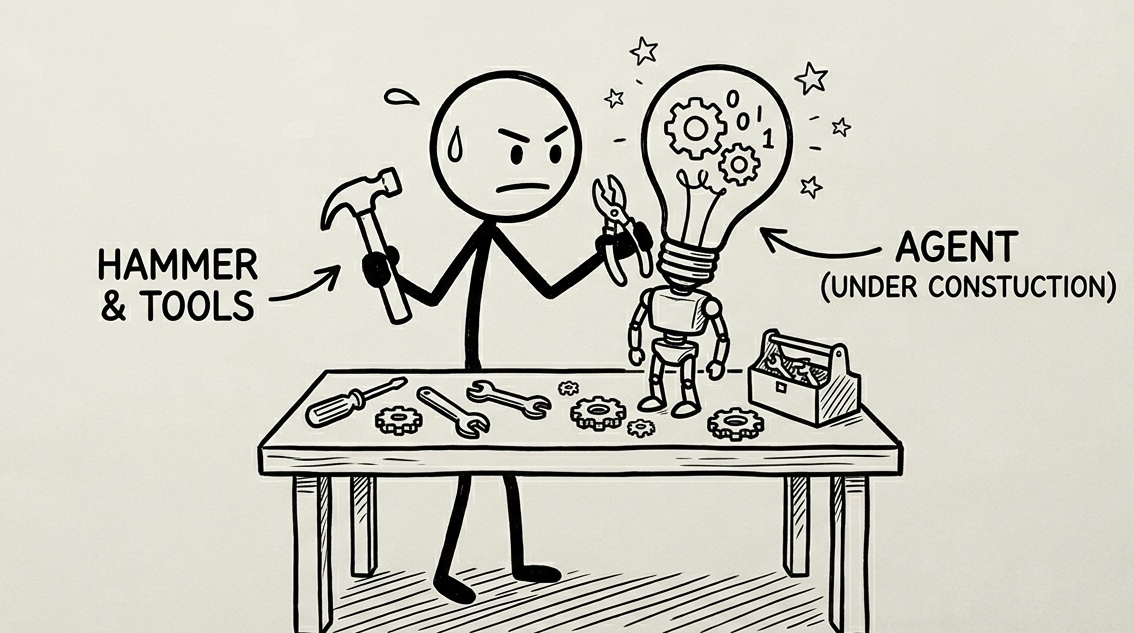
The biggest mistake beginners make is trying to build an “all-purpose super agent.” The right approach is the opposite: start narrow, start simple, and only add complexity when something breaks.
Warning
Before code, before prompts: write down your cases and rules on paper. What are the inputs? What are the possible states? What action follows each state? Where are the fuzzy edges that need LLM judgment?
The Formula
Agent = Role + Goal + Tools + Rules + Output format
Example:
- Role: Research assistant for crypto projects
- Goal: Find accurate information and summarise it clearly
- Tools: Web search, file search, calculator
- Rules: Cite sources, do not guess, flag uncertainty
- Output format: Summary, risks, opportunities, final verdict
Answer these four questions before writing a single line of code:
- What is the outcome? What should the agent actually produce?
- What information does it need? Web search, files, a database, or just the user’s message?
- What actions should it be allowed to take? Read only? Search? Edit files? Send emails?
- What rules must it follow? Tone, format, constraints, what to do when uncertain.
Use AI to Design the Agent Before You Build It
This is underrated. Before coding, paste this into Claude or ChatGPT:
I want to build an AI agent.

My goal:
[describe what you want it to do]

The user will ask things like:
[add 5 realistic examples]

The agent should have access to:
[web search / files / calculator / custom API / nothing else]

It must always:
[list non-negotiable rules]

It must never:
[list boundaries]

Please turn this into:
1. A clear agent spec
2. A system prompt
3. A tool list
4. A first version roadmap
5. 10 test cases
This one prompt can take you from a vague idea to a buildable plan.
The Build Path
Step 1: Write one sentence describing the agent.
“I want an agent that turns my rough notes into a clean weekly newsletter.”
Step 2: Ask Claude/ChatGPT to turn that into an agent spec, system prompt, tool list, and 10 test prompts.
Step 3: Build the smallest working version. No multi-agent setup. No complex memory. No RAG unless needed.
Step 4: Test it on 10 real examples.
Step 5: Improve one thing at a time — in this order:
prompt → output structure → examples → tools → memory → retrieval
That order matters. Don’t skip ahead.
Five Beginner Agent Types
Choose one of these as your starting point — do not try to build anything more ambitious than this for your first agent:
| Type | Best for | Needs |
|---|---|---|
| Research agent | Gather and summarise information | Web search, clear output format |
| Content agent | Write, rewrite, summarise, transform | Strong system prompt, optional file access |
| Workflow agent | Repeatable business process | Clear categories, rules, sometimes custom tools |
| Personal knowledge agent | Answer from your own documents | File search or RAG |
| Operator agent | Take actions in an environment | Tools, permissions, safety boundaries |
Anthropic vs OpenAI — When to Choose Which
Choose Anthropic (Claude) when you want an agent that:
- Reads, writes, and edits files
- Uses shell commands
- Searches the web
- Works well with MCP tools
- Handles coding and technical tasks
- Operates step-by-step like a capable assistant
Choose OpenAI when you want:
- A clean, well-documented agent API
- Easy custom function tools
- Built-in hosted tools (web search, file search, code interpreter)
- Handoffs between specialist agents
- Guardrails and tracing out of the box
- A smooth path from prototype to production
What NOT to Start With
Do not add these to your first agent:
- Web search + file search + database access all at once
- Memory (unless the core task specifically requires it)
- Multi-agent handoffs
- Complex guardrails
- Custom dashboards
- More than 2 tools
Start with: one job, one agent, one clear prompt, one or two tools maximum, five to ten real test cases.